Follow how your Vitres are used
✨ The Insights screen shows how the team's Vitres are used: when they are on, how many knocks, shares or guests they receive, and whether their connections hold. You need the
Insights.Readpermission to open it.
One tab per subject: Uptime, Drawings, Knocks, Apps, Presence, Guests, Quality and Network.
Choose the period
By default the charts cover the last 7 days, day by day.
- Set Start date and End date.
- Pick the grouping: Day or Hour. By hour, you can spot a precise time slot.
- Click Filter: the chart is only recomputed then.
The Quality tab has no grouping: it plots minutes.
See which Vitres were on
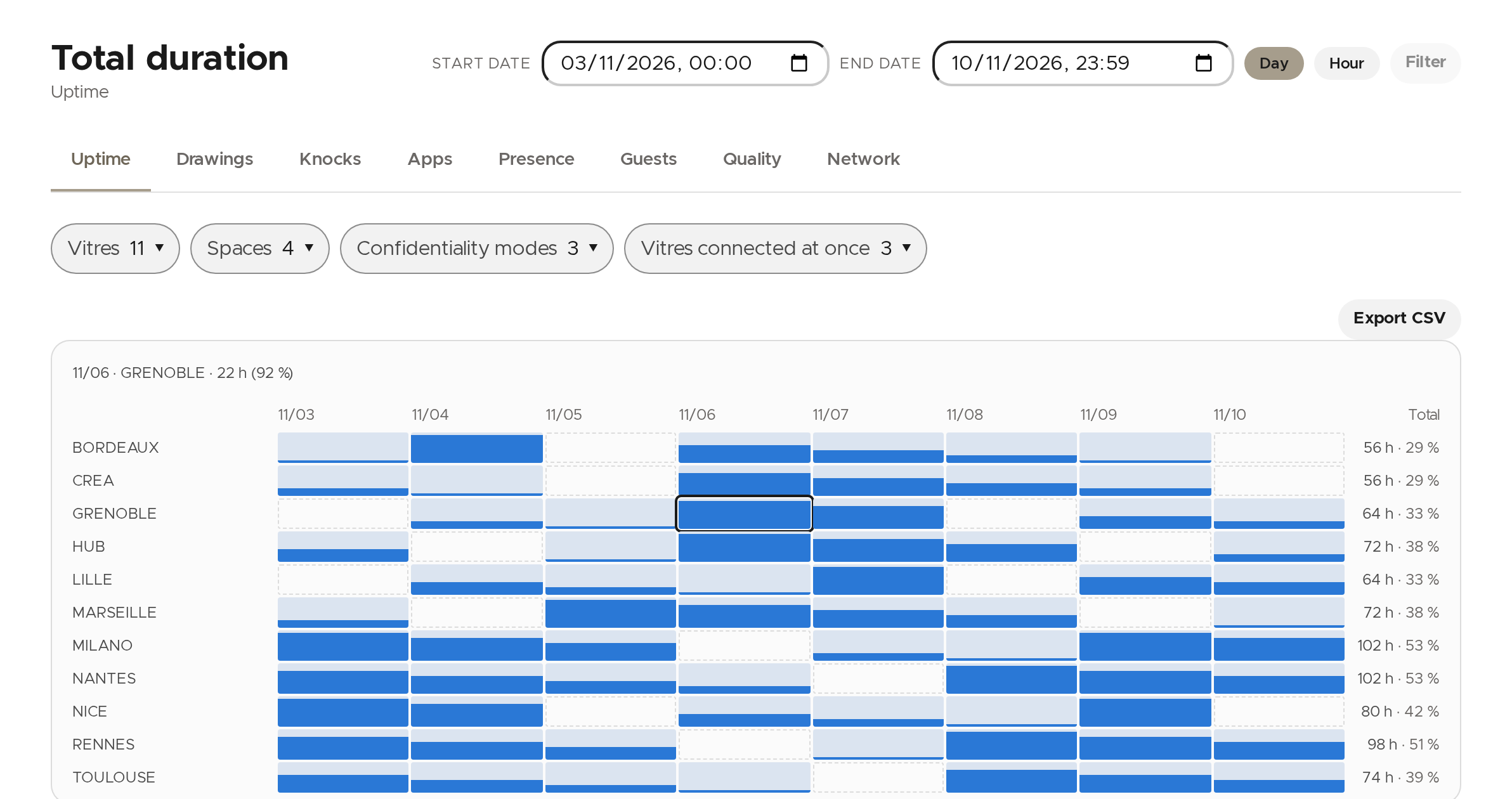
The Uptime tab (like Presence) shows one row per Vitre and one cell per period. The height of the bar in a cell is the share of the period the Vitre was there; an empty cell means no data was received (Vitre off or offline). Click a cell to read its value; the right-hand column gives each Vitre's total.
Count knocks, drawings, shares and guests
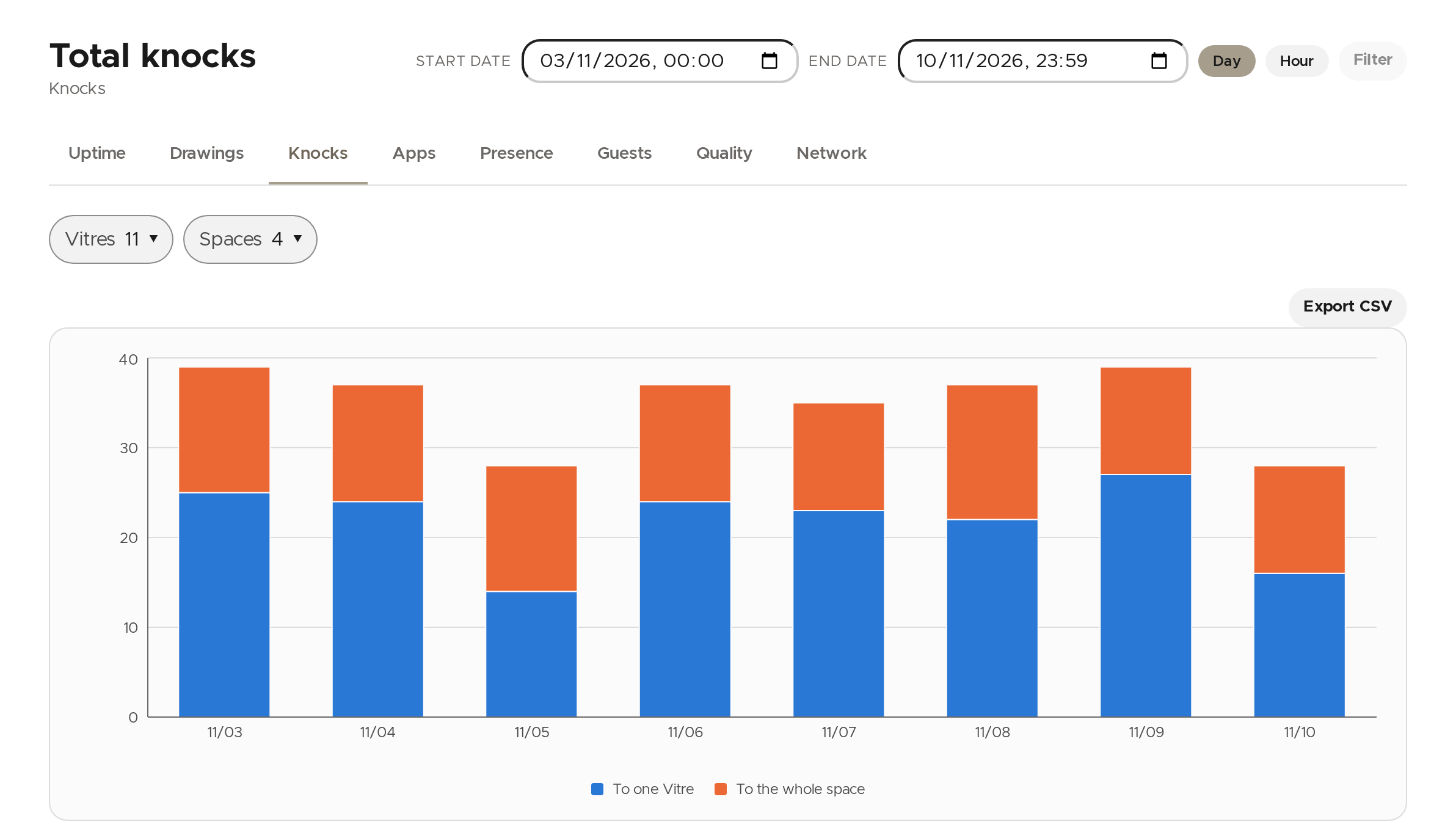
The Drawings, Knocks, Apps and Guests tabs show one bar per period. On knocks, the bar tells knocks to one Vitre from knocks to the whole space. Guests are counted per space: browser guests on one side, guest Vitres on the other.
Narrow down to some Vitres or spaces
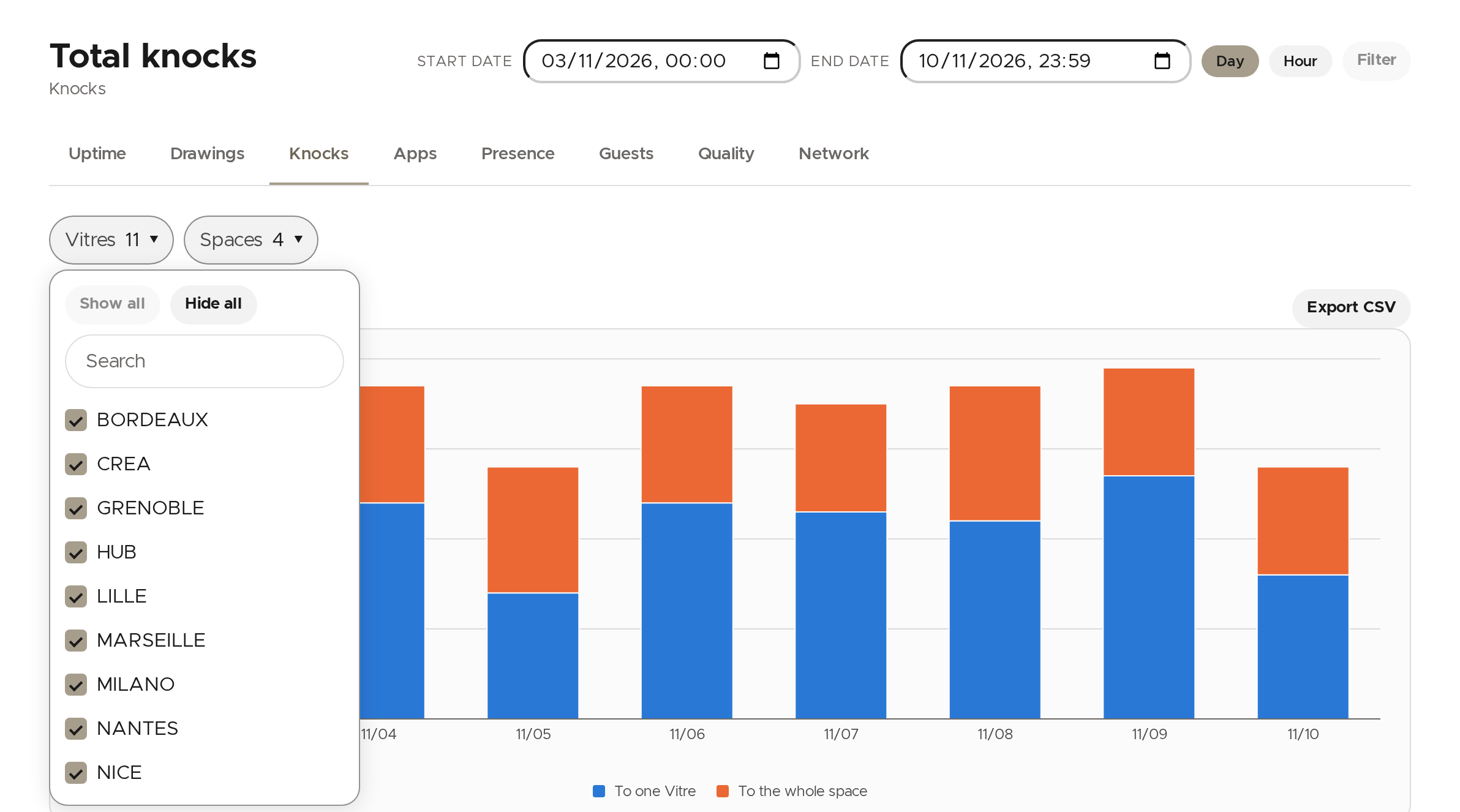
Above the chart, each menu (for example Vitres) lists the values shown. Untick those to hide, or use the search field to find one. Export CSV downloads the chart's data.
Spot a connection that drops
- Quality: pick two Vitres that were connected to each other during the period, to see bitrate, losses, frozen images and network path of their link.
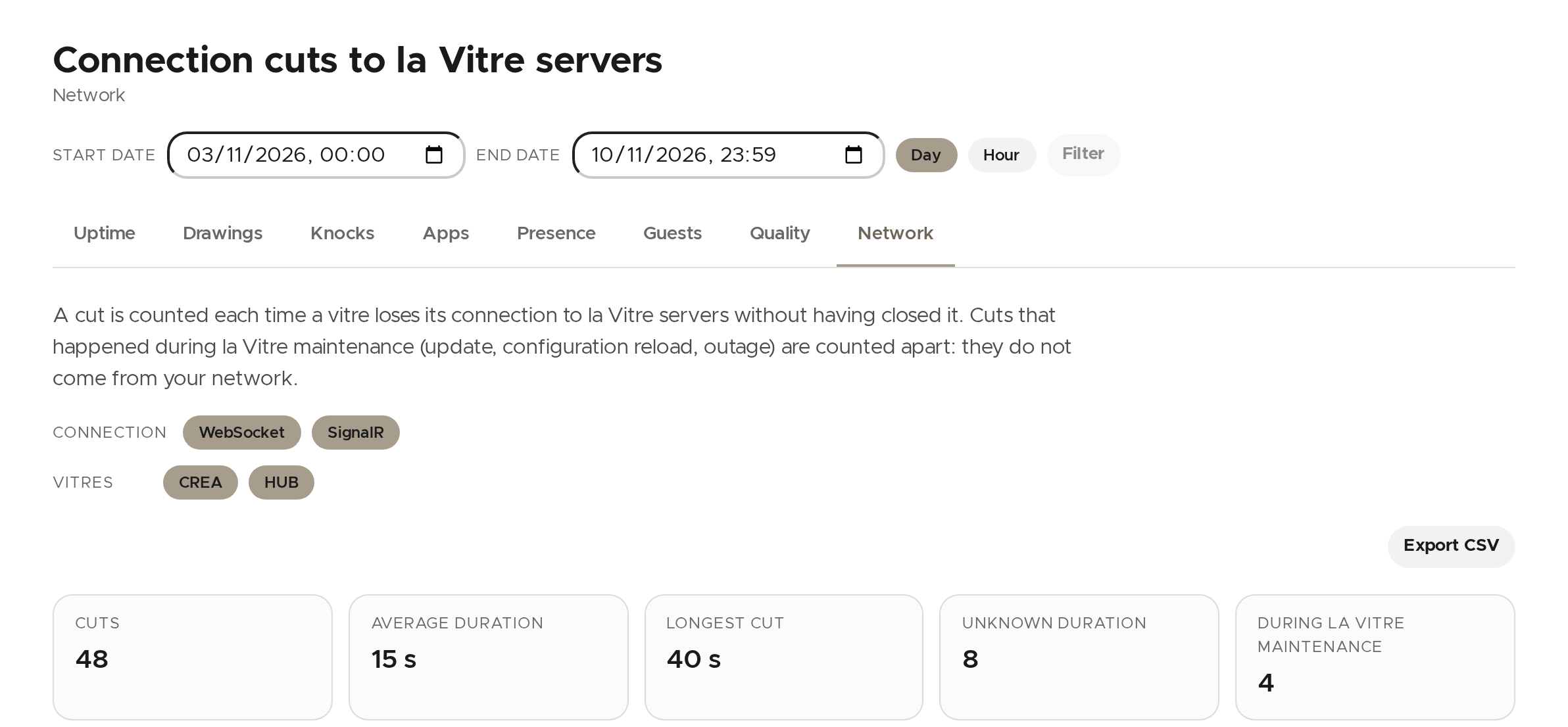
- Network: counts the times a Vitre lost its connection to la Vitre servers without closing it. Cuts caused by la Vitre maintenance are counted apart: they do not come from your network.
💡 To find out why one particular connection failed, open Connections.
✨ Missing information?
This Help Center evolves with your needs.Let us know which terms, features, or use cases should be clarified, or contact support for personalized assistance.
Bringing you closer to what matters. We are enriching this resource together.