Tips for placing la Vitre
✨ For optimal placement, create a space where you can see each other well, where the voice is clear and where presence is simple.
Preview la Vitre in your environment with augmented reality: lavitre.fr/apercu
The essentials in 3 points
Recommended space
- Quiet room, or a dedicated corner in an open space.
- Close to teams that often connect remotely.
- Accessible, without continuous traffic.
Simple preparation
- Power: a standard power outlet nearby.
- Internet: stable and reliable connection (RJ45 Ethernet cable recommended), minimum speed of 5 Mb/s.
- Free space: 2.5 m in front of the screen to be comfortable.
Ease of use
- Light: prefer placing la Vitre on the side or with its back to windows to avoid backlighting.
- Sound: avoid highly resonant rooms. Add rugs or curtains if needed.
- Position: place the screen perpendicular to windows if the layout requires it (this limits direct reflections while remaining practical).
Quick checklist before installation
- Quiet space identified (room or dedicated area in open space).
- Power outlet within reach and network available.
- 2.5 m clearance in front of the location.
- Controllable natural light.
How to proceed?
Choose the location
Speak normally in the room. If there is echo, add absorbent elements.
The goal is to break up smooth and hard surfaces that create reverberations.
Here are some examples of absorbent elements to reduce echo in a room:
- Rugs: on the floor, they effectively absorb reverberations.
- Curtains: thick or heavy fabric, particularly useful on windows.
- Acoustic panels: to be fixed to walls, they are specifically designed to absorb sound.
- Upholstered furniture: fabric armchairs or chairs.
- Plants: as a complement, they can help slightly attenuate echo.
- Bookshelves: with books, they create irregular surfaces that disperse sound.
Prepare the space
- On the floor: free area of 1.15 m × 0.5 m for la Vitre.
- In front: 2.5 m clearance to stand comfortably.
- Beside: a small table for documents and objects.
Optimize the environment
- Light: orient la Vitre to keep a clear view, without reflections.
- Comfort: add one or two high chairs if useful.
- Practicality: check the possibility to book the room if needed.
To avoid / To prefer
| To avoid | To prefer |
|---|---|
| Noisy open space | Quiet area or small room |
| Facing windows | On the side or back to windows |
Additional equipment (optional)
You can connect a second screen or a projector as an additional display.
The goal: see each other, talk, knock if needed, be together simply.
- Position: next to la Vitre, on the right or left.
- Use: share documents, present, collaborative whiteboard.
- Advantage: multitasking without losing eye contact or presence.
✨ Need help?
Don't hesitate to contact support for personalized assistance. We support you to validate the chosen location and for advice tailored to your site.Bringing you closer to what matters. We are here to help you.
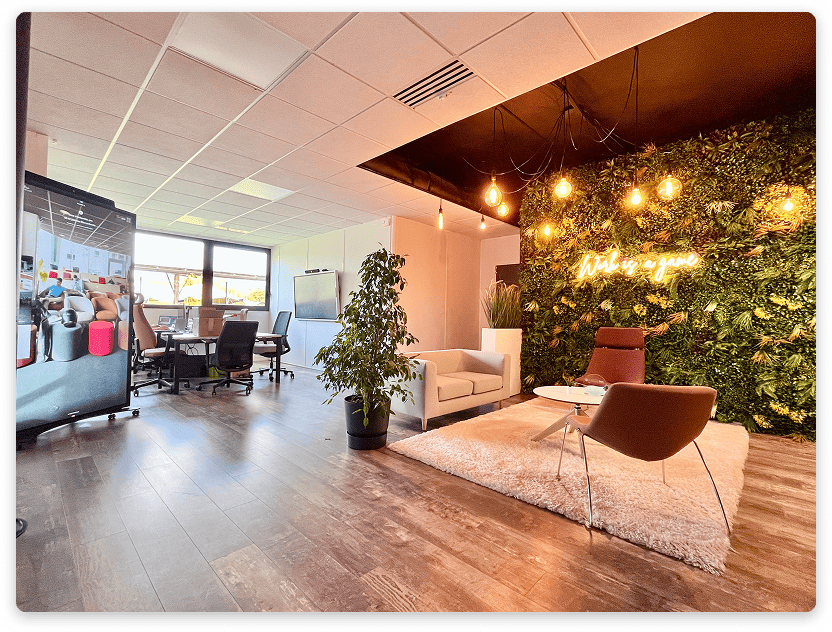
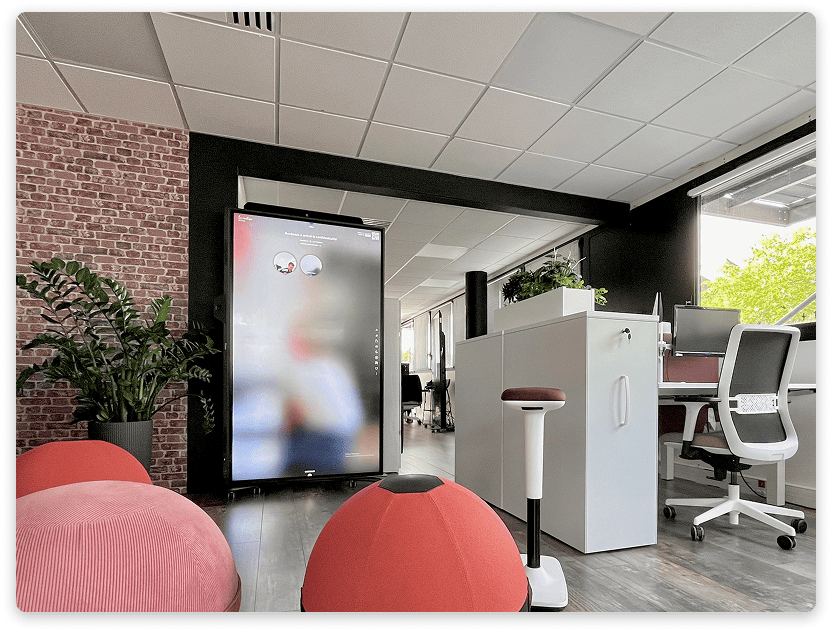
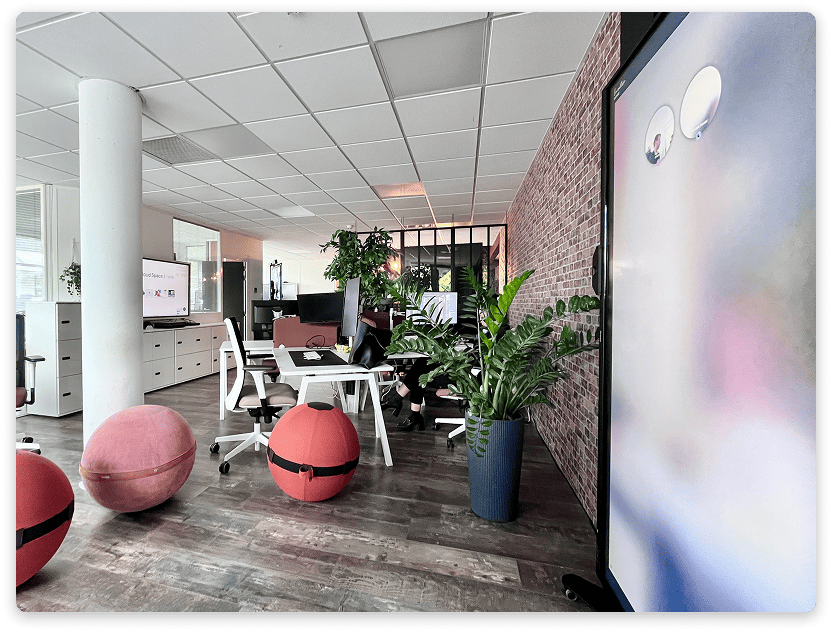
Photo examples
la Vitre in a dedicated room:
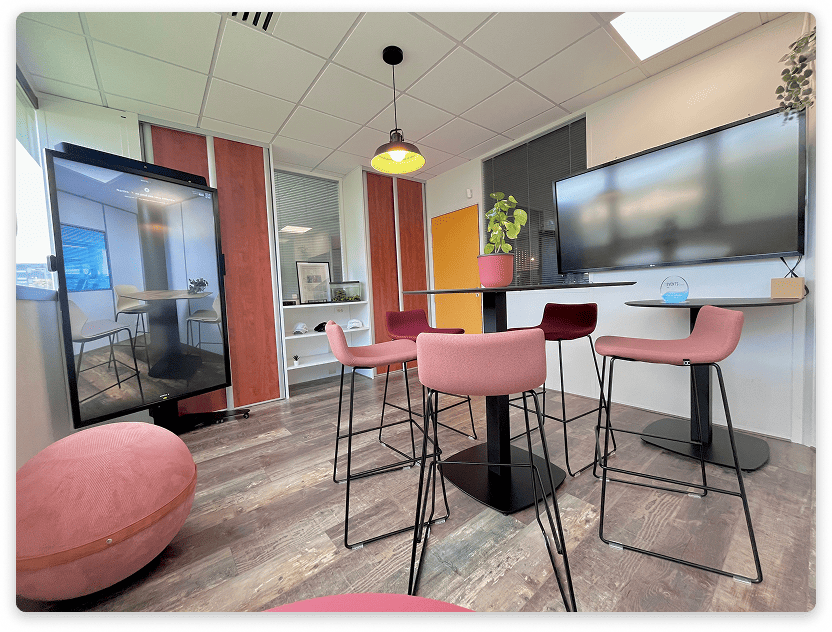
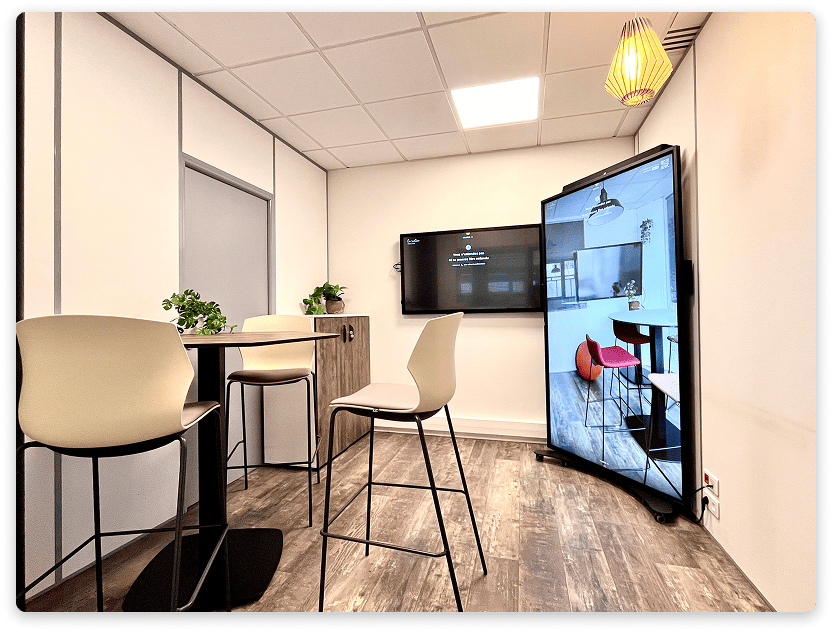
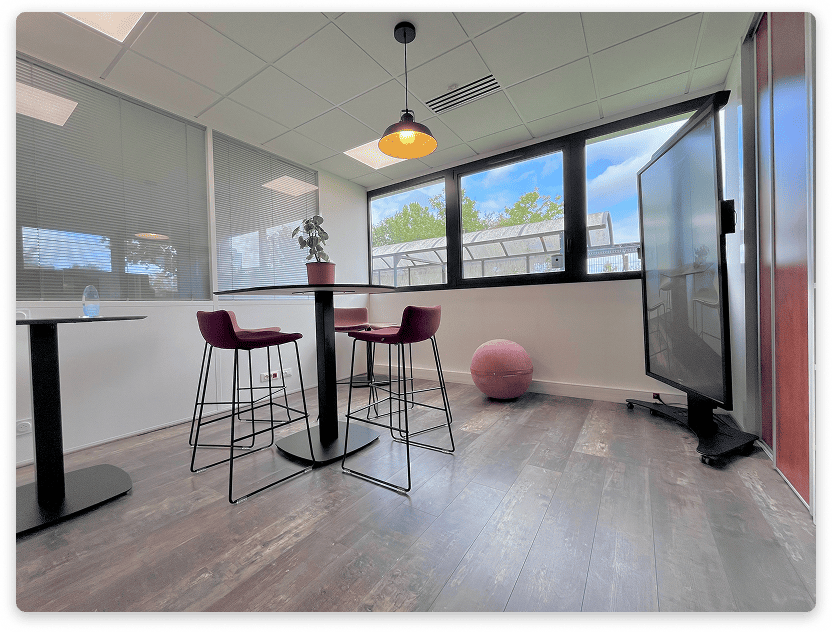
la Vitre in an open space or shared room:
✨ Missing information?
This Help Center evolves with your needs.Let us know which terms, features, or use cases should be clarified, or contact support for personalized assistance.
Bringing you closer to what matters. We are enriching this resource together.