Team information and updates
✨ The Team screen recalls your team's information and lets you defer the installation of updates on its Vitres.
It shows the team's domain, its auto-join domains, the companion's connection types and the state of updates.
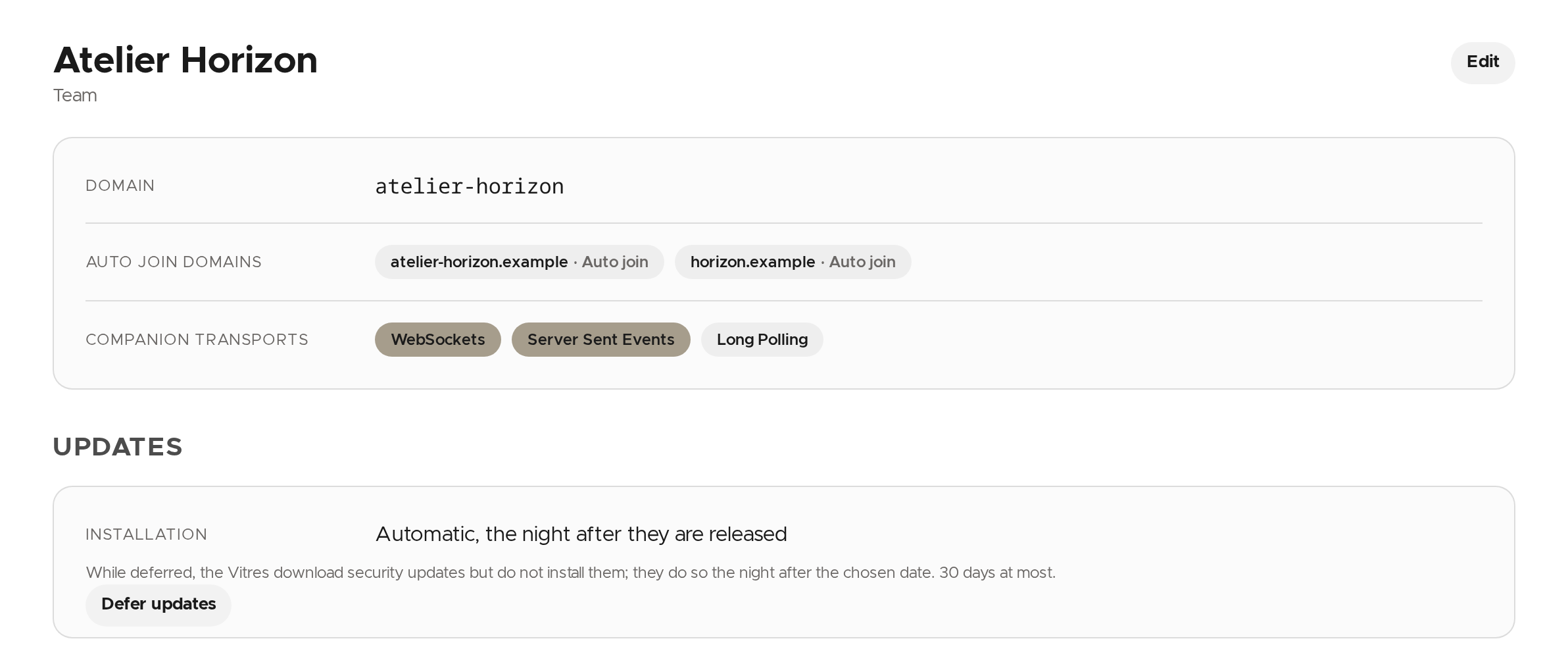
Anyone who signs in from an auto-join domain joins the team without an invitation. These domains are set by la Vitre: they cannot be changed here, contact us to change them.
Defer updates
By default, updates are installed on the Vitres the night after they are released. If you would rather hold them back (an event, a sensitive period), you can defer them by 30 days at most. While deferred, the Vitres download security updates but do not install them; they do so the night after the chosen date.
- Under Updates, click Defer updates.
- Pick the date to defer until. The dialog shows the latest date allowed.
- Click Defer updates.
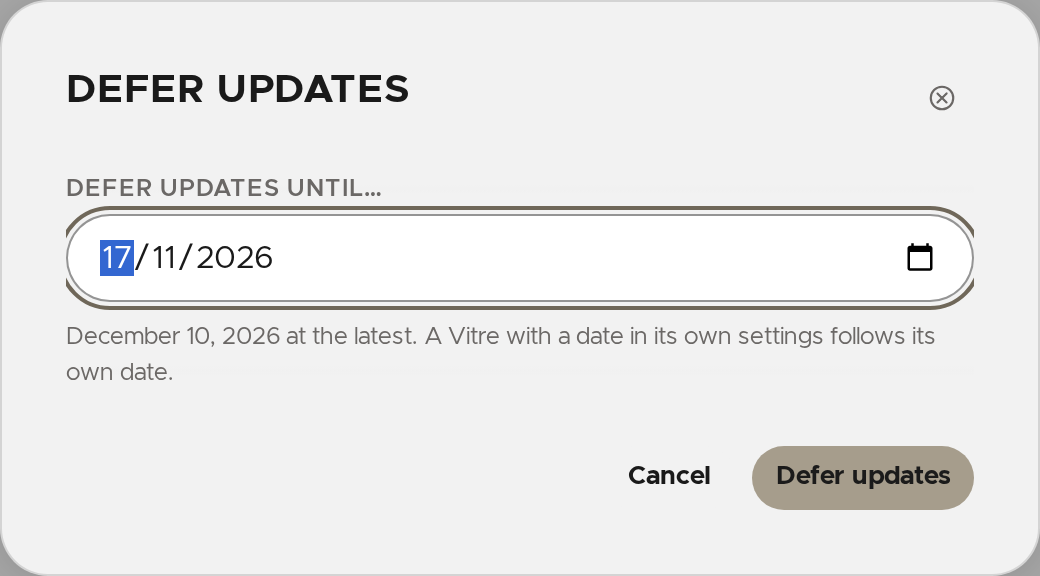
The screen then says until when installation is deferred.

💡 A Vitre with a date in its own settings follows its own date.
Change the date or resume updates
- Change the date picks another date. It cannot go past 30 days after the start of the deferral.
- Stop deferring, then Install from tonight?, ends the deferral: pending updates are installed the following night.
✨ Missing information?
This Help Center evolves with your needs.Let us know which terms, features, or use cases should be clarified, or contact support for personalized assistance.
Bringing you closer to what matters. We are enriching this resource together.