Notify someone about team events
✨ The Notifications screen lists the recipients of your team's alerts, and for each one what they are told about: Vitre connections, camera and microphone, new la Vitre releases.
A recipient is either a person, notified by e‑mail, or a chat channel (Slack, Microsoft Teams, Google Chat), notified through a webhook.
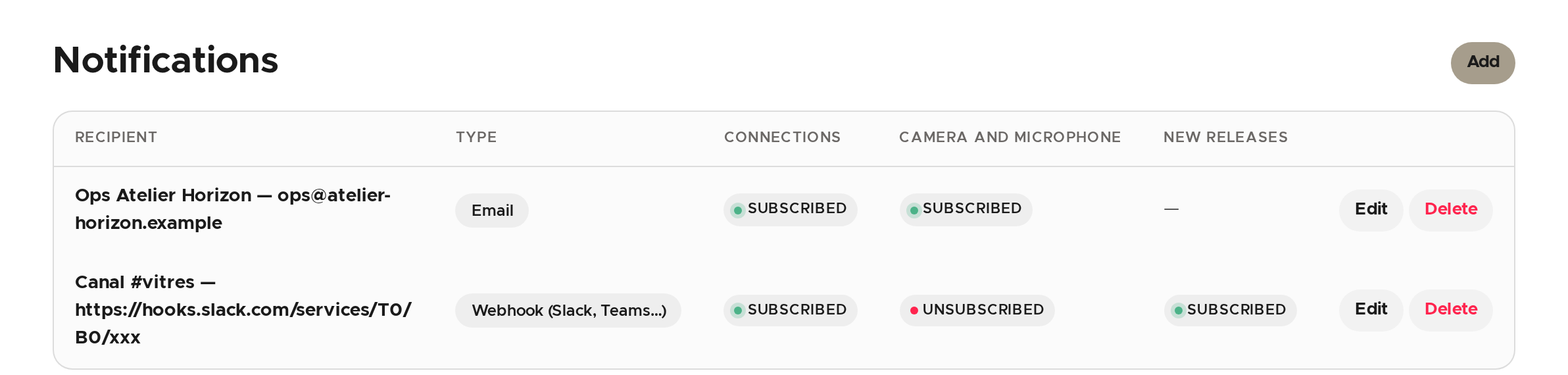
Add a recipient
- Click Add.
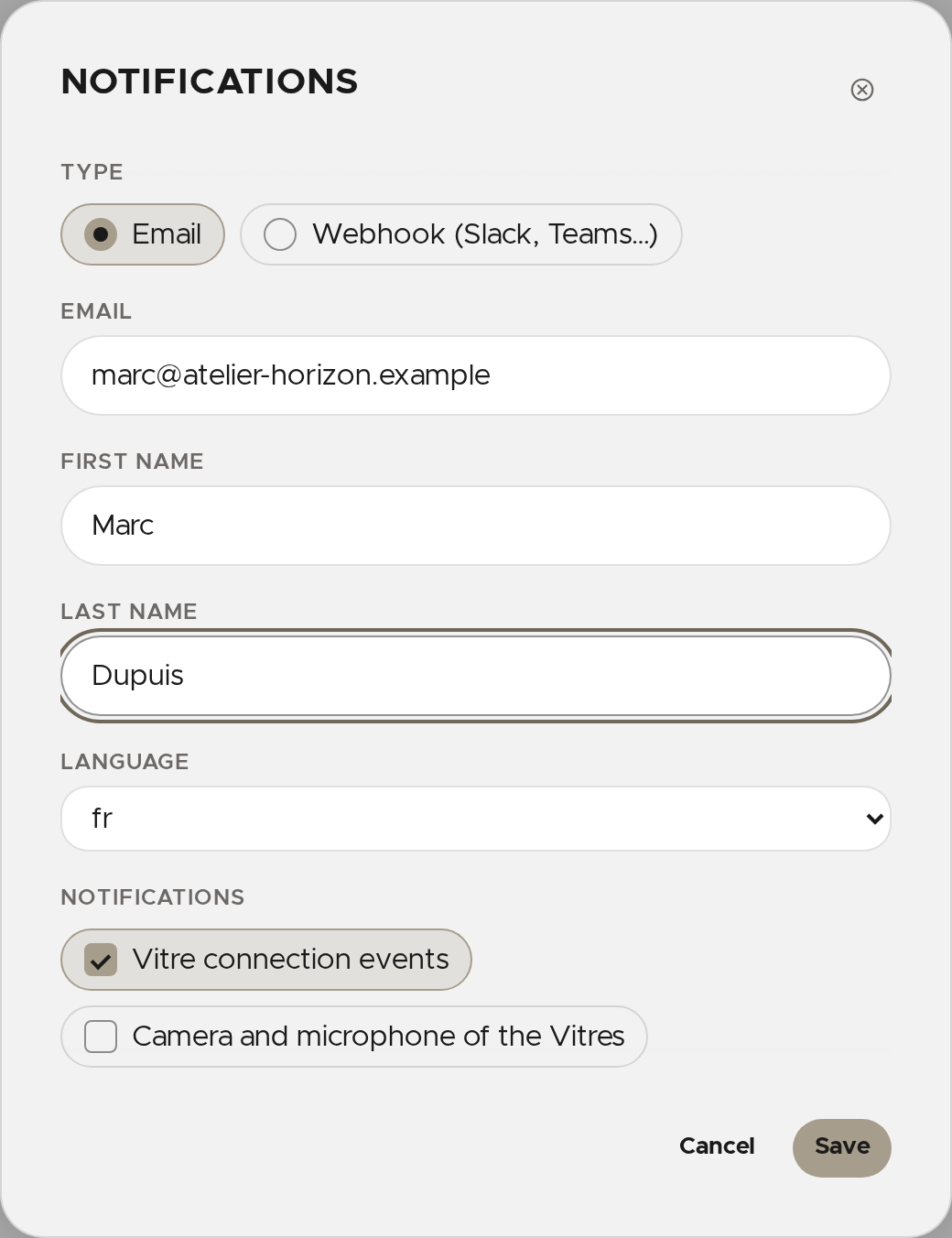
- Choose the type: Email or Webhook (Slack, Teams…).
- For a person, enter their e‑mail address (required), optionally their first and last name, and pick their language.
- For a channel, paste the webhook's URL (required), add a Comment to remember what it is for, and pick the Format (Slack, Microsoft Teams, Google Chat or la Vitre) and the language.
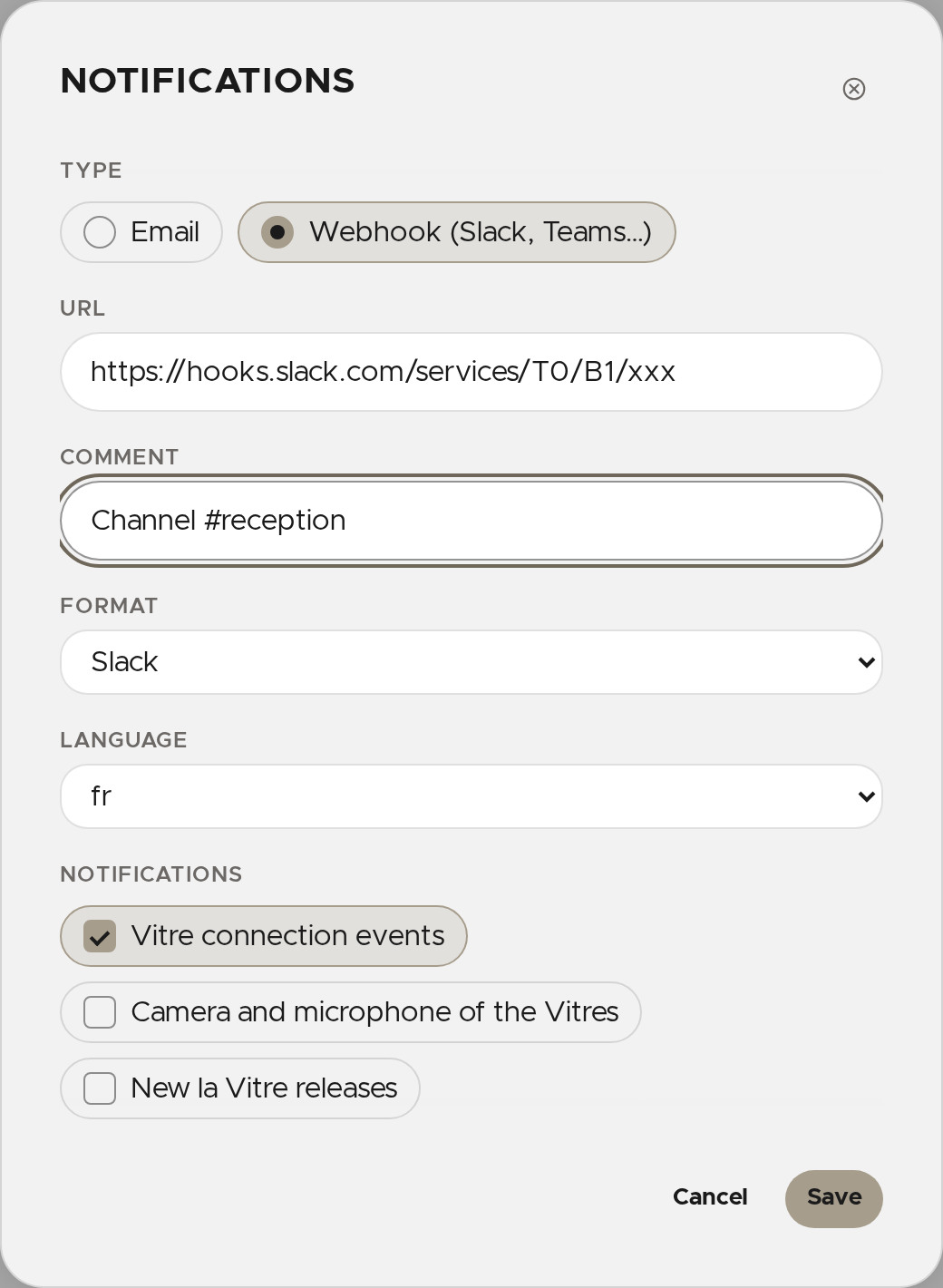
- Tick what the recipient must be told about:
- Vitre connection events;
- Camera and microphone of the Vitres: the camera or microphone of a connected Vitre has been unavailable for several minutes, then is available again;
- New la Vitre releases: offered for a channel only.
- Click Save.
Edit or delete a recipient
On their row, click Edit to change their details or what they are told about, or Delete (then confirm) so they no longer receive anything. A recipient's type cannot be changed: delete it and add another.
✨ Missing information?
This Help Center evolves with your needs.Let us know which terms, features, or use cases should be clarified, or contact support for personalized assistance.
Bringing you closer to what matters. We are enriching this resource together.